
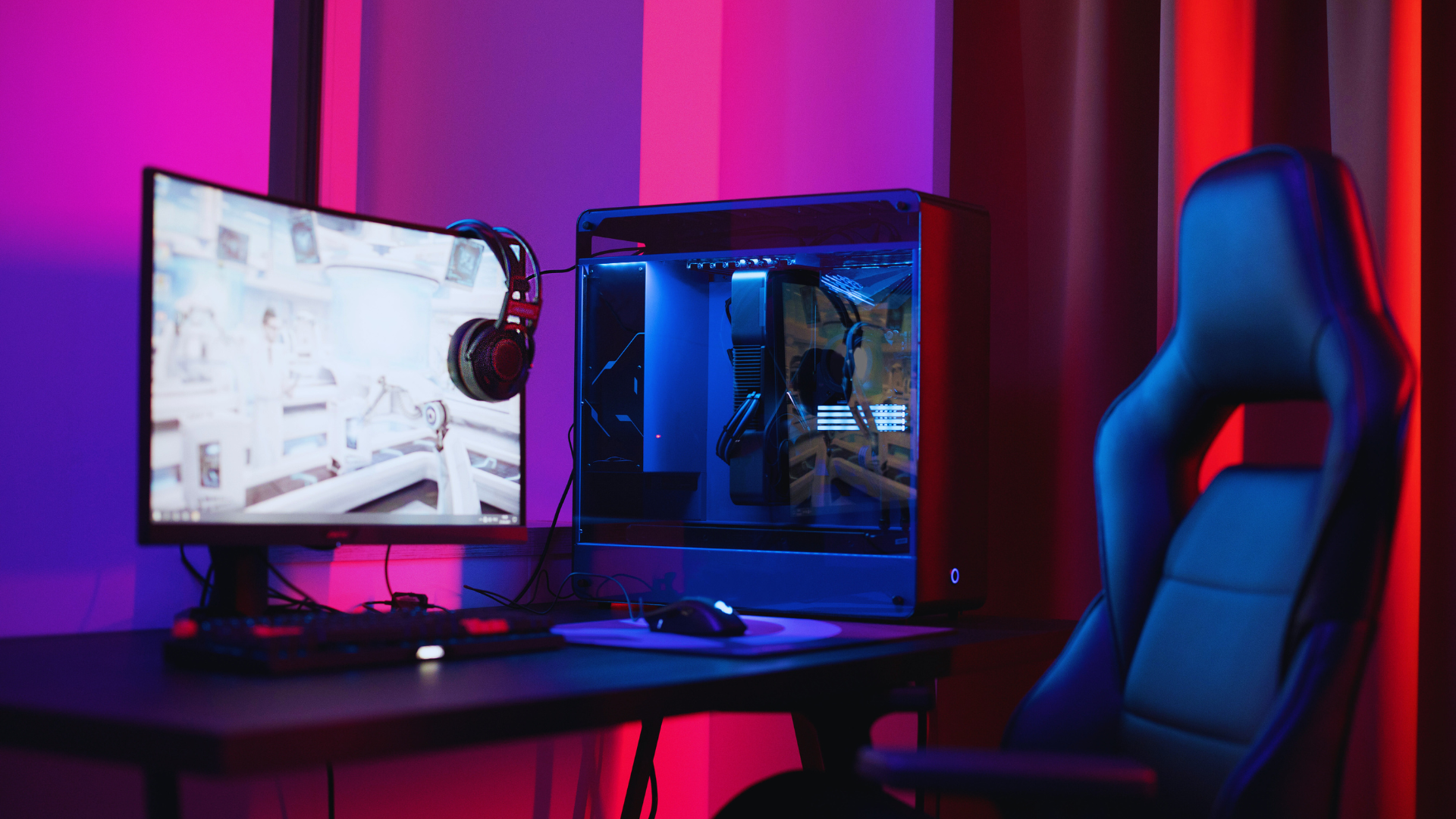

Creating an optimal gaming setup can significantly enhance both performance and enjoyment. To improve a gaming setup, focus on investing in quality equipment, ergonomic furniture, and efficient organisation of space. This not only maximises comfort during long sessions but also boosts overall productivity.
The right monitor, keyboard, and mouse play crucial roles in achieving a competitive edge. Pairing these with a suitable chair and desk can prevent fatigue and maintain concentration. Personal touches and organised cables add to the aesthetic, creating an inviting environment that encourages longer playtime.
With a few simple adjustments, any gamer can elevate their experience. From technology upgrades to thoughtful layout changes, there are numerous avenues to explore for a better setup. Equip yourself with the right knowledge, and transformation becomes attainable.
Building the Foundation
Establishing a solid foundation is essential for an effective gaming setup. Key components such as selecting the right gaming PC and ensuring comfort through the right chair significantly impact performance and overall experience.
Choosing the Right Gaming PC
The gaming PC serves as the heart of any gaming setup, directly influencing performance. When choosing a PC, consider the specifications that match your personal gaming needs. For instance, a powerful CPU, sufficient RAM (at least 16GB), and a dedicated GPU (like NVIDIA or AMD) are vital for smooth gameplay.
Specifications to evaluate:
- CPU: The processor should ideally be a recent generation for optimum performance.
- GPU: Look for models suited to the games being played; higher-performance models will ensure better graphics.
- Storage: An SSD will drastically reduce loading times, while HDD can supplement with larger storage at lower costs.
Additionally, always check reviews and benchmarks to ensure the selected PC performs well with specific game titles.
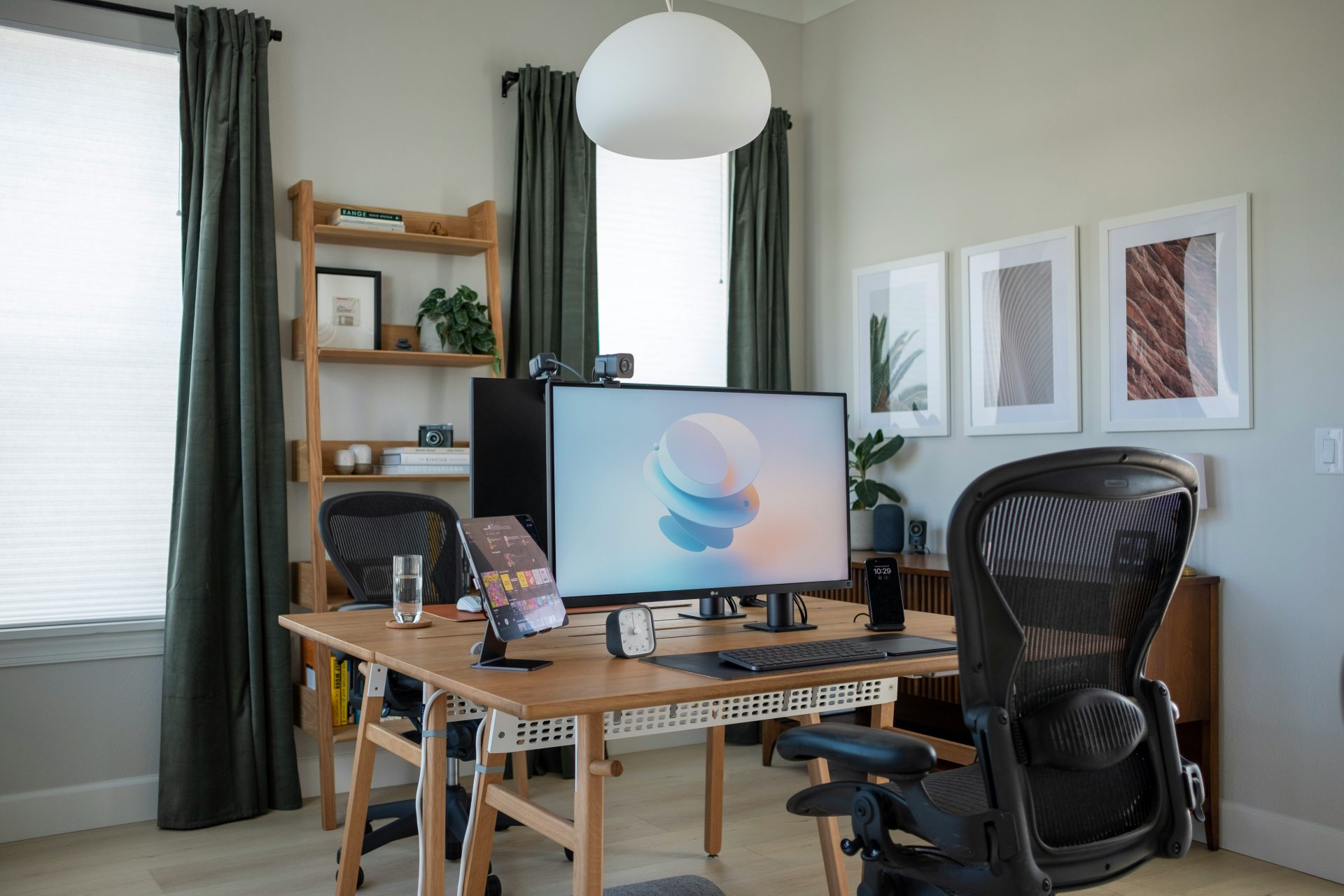
Optimising Comfort with the Perfect Chair
Comfort plays a crucial role in an extended gaming session. An ergonomic gaming chair is recommended to support posture and reduce fatigue.
Key Features to look for:
- Lumbar Support: This feature helps maintain the natural curve of the spine.
- Adjustability: A chair should have adjustable height and armrests to accommodate various body types.
- Material: Breathable fabric or leather can provide comfort and durability.
The right chair permits longer gaming sessions without discomfort, allowing gamers to focus entirely on their experience. Investing in a quality gaming chair is an essential step in enhancing the overall gaming setup.
Enhancing Gaming Performance
Improving gaming performance involves optimising hardware and ensuring that components work together effectively. The right upgrades can significantly enhance the gaming experience, leading to smoother visuals and faster response times.
Maximising Graphics Quality
A powerful graphics card is essential for achieving high-quality visuals. Upgrading to a modern GPU can provide increased frame rates and support high resolutions. Look for graphics cards that handle ray tracing and come with a minimum of 6GB VRAM for better performance in demanding titles.
Utilising settings such as a 144Hz refresh rate can elevate the gaming experience, making visuals appear smoother. For players with compatible monitors, consider enabling G-Sync to eliminate screen tearing and stuttering. Adjusting in-game settings can also enhance graphics without compromising performance; reducing shadows and textures can achieve a balance.
Upgrading for Faster Response Times
The CPU and RAM play critical roles in gaming performance. A higher-end CPU can manage more processes, which is vital for modern games that require significant computing power. Opting for a CPU with multiple cores improves multitasking and overall responsiveness.
Increasing RAM to at least 16GB ensures smooth gameplay by accommodating larger game files and background tasks. Additionally, faster RAM can enhance data transfer speeds, contributing to better performance. Consider researching CPUs and RAM that complement the existing GPU to avoid bottlenecks.
Efficient Storage Solutions
Storage type impacts loading times and overall performance. Replacing traditional HDDs with NVMe SSDs can significantly reduce game load times, allowing quicker access to game files. NVMe drives offer faster data transfer rates than SATA SSDs, leading to great improvements in boot and game launch speeds.
Keeping a dedicated drive for video games helps maintain system speed. Regularly decluttering storage can also maintain efficiency. In addition, consider using fast storage solutions to benefit from quicker file retrieval, enhancing the overall gaming experience.
Creating an Immersive Gaming Space
An immersive gaming space combines effective lighting, sound systems, and personalised aesthetics to enhance the overall gaming experience. Focusing on these elements can transform a standard gaming area into a captivating environment.
Effective Lighting and Sound Systems
Proper lighting can greatly impact the gaming experience. Utilising RGB lighting can create dynamic and engaging atmospheres. By placing LED strips around the room or behind the monitor, gamers can synchronise colours with the game, enhancing immersion.
Mood lighting, such as adjustable smart bulbs, allows control over brightness and colour, catering to various gaming sessions. Electrician services Stamford CT and elsewhere can also install dimmer switches, recessed lighting, and wall-mounted fixtures to further enhance the gaming atmosphere. Acoustic panels can improve sound quality while reducing echo, creating a better audio experience.
For sound, a surround sound system elevates gameplay. Investing in an audio setup that includes quality speakers or a gaming headset provides clear in-game audio, sharpening awareness of surroundings and enhancing the player’s connection to the game world.
Aesthetic and Functional Gaming Desk Setup
A well-designed gaming desk contributes to both aesthetics and functionality. It should have ample space for monitors, keyboards, and accessories, allowing for smooth gameplay. Customisation with posters and themed décor can make the space personal and visually appealing.
Cable management is essential to maintain a tidy and organised desk. Using cable trays or clips can significantly improve the look of the setup.
Ergonomic considerations like adjustable desks and supportive chairs not only enhance comfort but also promote better posture during long sessions. Combining style with practicality leads to a gaming environment that is both immersive and conducive to extended gameplay.
Accessories for a Seamless Gaming Experience
When enhancing a gaming setup, the right accessories can greatly improve performance and immersion. Key elements include precision input devices and quality audio systems, which play crucial roles in gameplay quality and user comfort.
Choosing Precision Input Devices
Selecting the correct input devices informs a gamer’s performance. A mechanical keyboard offers tactile feedback, ensuring precise keystrokes and durability. Look for features like backlighting and programmable keys to enhance functionality.
A gaming mouse with adjustable DPI settings is vital for accuracy and speed. This allows for quick sensitivity adjustments, accommodating various gaming genres. Opt for a mouse that feels comfortable in hand and has programmable buttons for macro functions.
For those who prefer controllers, ensure compatibility with gaming platforms. A high-quality controller from brands like Conspit can provide a better experience for certain types of games, such as sim racing, emphasizing response times and ergonomics while maintaining freedom of movement.
Elevating Your Audio and Connection Quality
Sound quality significantly enhances the gaming experience. A good gaming headset offers immersive audio, allowing gamers to hear in-game cues more effectively. Look for headsets with surround sound capabilities and a comfortable fit, reducing eye strain during long sessions.
Wired connections typically offer lower latency compared to wireless options. For audio, ensure that the headset has a quality microphone for clear communication during online gaming.
An effective gaming router can improve internet connection stability, crucial for seamless online play. Prioritising bandwidth for gaming devices can reduce lag and enhance performance. Together, these audio and connectivity enhancements create an enriching gaming environment.